Beta LineupOS is currently in beta — optimized for desktop use. Mobile support is coming soon. Learn what's coming.
Now in Beta

Lineup Management.
Finally Simple.

New PDF lineup export · Player position preferences · Roster import by screenshot · Schedule import

LineupOS gives youth baseball coaches a fast, clear way to build fair lineups, track pitch counts, and print dugout cards — without the spreadsheet chaos.

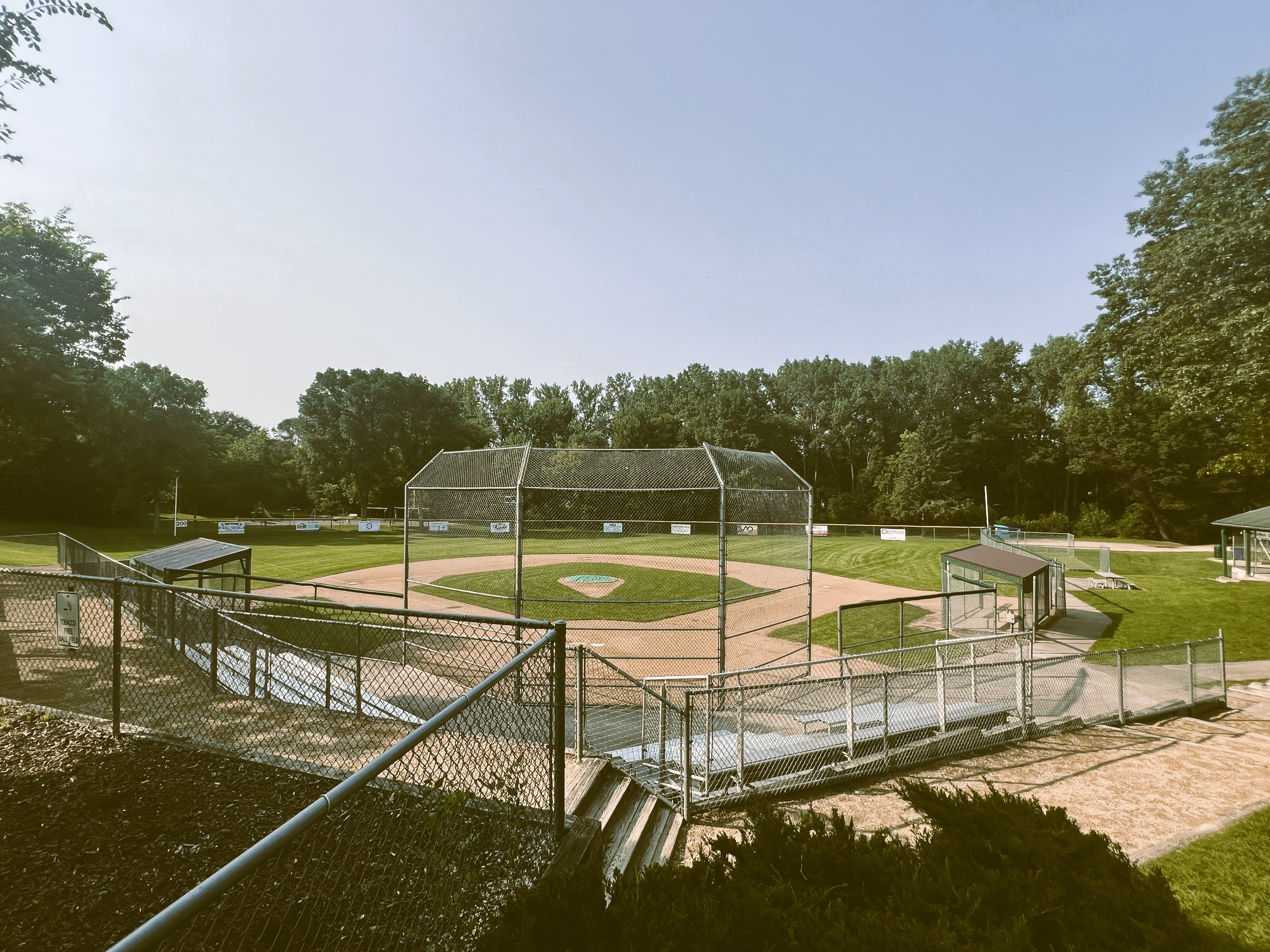
Youth baseball field on a sunny summer evening

What's new in LineupOS.

Four fresh updates built from beta coach feedback. All live in the app right now.

New · Live

Download Dugout Cards as PDF

One-click export of your dugout card to a clean, single-page PDF. Share it with your assistant coaches or save it for your records — no screenshots, no printing required.

New · Live

Player Position Preferences

Record each player's favorite positions and your own best-fit assessment. Toggle pitching and catching willingness. A quick look at the roster tells you who wants the ball and where everyone fits.

New · Live

Roster Import from Screenshot

Snap a picture of your roster from any other app or paper list, upload it, and LineupOS extracts the players for you. Processing happens on your device — no roster data leaves your browser.

New · Live

Schedule Import

Bring your whole season's game schedule in with a single .ics calendar file from GameChanger or Google Calendar. Skip the manual game-by-game entry and get straight to building lineups.

Built with direct input from beta coaches. Got feedback on these or an idea for what to build next? Let us know on Reddit.

Everything you need,
nothing you don't.

From roster setup to printed dugout cards — LineupOS handles the details so you can coach the game.

Smart Lineups

Drag and drop batting order. Assign positions inning-by-inning in seconds.

Official Pitch Count Enforcement

Protecting young arms is non-negotiable. LineupOS automatically enforces pitch limits and rest rules based on your team's age group, so you never have to cross-reference a separate chart mid-game. Ineligible pitchers are flagged before you make a mistake. Custom rules are supported for leagues with their own thresholds.

Printable Dugout Cards

One tap to a print-ready lineup card that fits a single sheet.

Latest from the dugout

Welcome to r/lineupOS — Built by a Little League Dad, Open to Every Coach

I built LineupOS because I was tired of managing my kid's lineup with spreadsheets, paper, and prayer. It's a free lineup tool for youth baseball — fair lineups, pitch counts, dugout cards, and zero rule violations. This is the community where coaches shape what gets built next.

Read the full post
Every feature on the roadmap is being shaped by coaches actually using the tool. Your feedback goes straight into what gets built next.
Join r/lineupOS

Watch the Tutorial

Learn how to set up your roster, build fair lineups, track pitch counts, and print dugout cards — all in under 5 minutes.

More is coming.

LineupOS is in active development. Features currently in beta are focused on youth baseball. Here's what we're building next.

Coming Soon

Real-time pitch tracking

Log pitches from the dugout during live games, with instant eligibility updates.

Coming Soon

Full softball compliance

Softball-style lineups work today with 10-player defense, but softball-specific pitching and rest rules are not yet enforced.

Now Available

10-player field lineups

Enable 10-player defense in Team Settings to use LF, LC, RC, RF outfield positions with full inning-by-inning tracking.

Now Available

PDF dugout card export

Save your dugout card as a clean, shareable PDF in one click — straight from the Dugout Card view.

Now Available

Player position preferences

Track each player's favorite positions plus your own coach's assessment, with pitch/catch willingness toggles shown right on the roster.

Now Available

Roster import by screenshot

Upload a screenshot of your roster and LineupOS extracts the players automatically — all processing happens on your device for privacy.

Now Available

Schedule import

Import your season schedule from a .ics calendar file (GameChanger and Google Calendar confirmed — other calendars may work but aren't yet tested).

Now Available

Skippable positions for rec leagues

For leagues that don't play with a pitcher, catcher, or other positions — toggle skipped positions in Team Settings and they'll be excluded from validation and the lineup builder.

Now Available

Editable game length

Change innings scheduled after a game is created. Adding innings extends the alignment grid; reducing them trims cleanly, with innings played auto-clamped.

Now Available

Smart batting order memory

Future games auto-populate the batting order from your most recently played game — so a schedule imported in March stays fresh in July. Manual edits to a specific game stick.

Now Available

Safer player removal

Removing a player now triggers a clear warning that they'll be wiped from every game they appear in — played or unplayed — so you never lose data by accident.

Coming Soon

SMS pitch count alerts

Automated text alerts to parents when their child has pitched, with rest day reminders.

Coming Soon

Mobile companion app

A dedicated iOS and Android app for managing lineups and tracking pitches from the field.

Coming Soon

3rd party app integration

Seamless data flow between LineupOS and the apps you may already be using — import rosters, sync game data, and eliminate double entry.

Coming Soon

Basketball module

Substitution tracking, playing time balancing, and rotation management built for youth basketball coaches.

Coming Soon

Hockey module

Line management, shift tracking, and fair ice time tools designed for youth hockey coaches.

* LineupOS is currently in public beta. Features listed as "Planned" or "Exploring" are not yet available and are subject to change. Beta users may encounter bugs or incomplete features. We appreciate your feedback as we build.

Ready to run your dugout?

Free to use during beta. No credit card required. Optimized for desktop — mobile support coming soon.

Create a free account

Built by a state championship coach.
Designed for every dugout.

LineupOS started as a spreadsheet that tracked lineups, pitch counts, and playing time for a competitive travel team. Coaches and parents loved it — but nobody else knew how to use it. It was too complex. So we turned it into something every coach can pick up in minutes.

The problem we solved.

Every youth coach faces the same pregame scramble: 12 kids, mandatory playing time, pitch count rules, and a game starting in 10 minutes. Who sat last game? Who's eligible to pitch? Is everyone getting a fair shot?

Paper lineups get lost. Spreadsheets break on phones. And pitch count mistakes don't just cost you a game — they put a young arm at risk. Kids' bodies are still developing, and overuse injuries at the youth level can cause lasting damage. There's no excuse for getting this wrong.

LineupOS tracks every bench inning in real time so you can see exactly who needs more playing time. It enforces pitch count rules automatically so you never have to check a separate source or do mental math in the middle of an inning. The tool makes the decisions simple — you just coach.

What we believe.

Every kid deserves equal playing time, and every young arm deserves protection. Those aren't just league rules — they're the right thing to do. LineupOS exists to make sure no coach has to choose between winning and doing right by their players.

We built this tool because we've been in that dugout. We've seen the stress of trying to balance competitive lineups with fairness, pitch limits with playoff pressure. The coaches who care enough to worry about it are exactly the ones who deserve a tool that handles it for them.

LineupOS is in active development and we're building based on feedback from real coaches. Everything we add comes back to one question: does this help the coach take better care of their kids?

Our values

01

Coaches first.

Every feature is designed for the person with a clipboard in a dusty dugout — not a front-office analyst.

02

Protect young arms.

Overuse injuries at the youth level can end a kid's baseball career before it starts. Pitch count enforcement isn't optional — it's the most important thing a coach can get right.

03

Equal play, no guesswork.

Real-time bench inning tracking means you always know who needs more time on the field. Fair lineups shouldn't require a math degree.

Join the beta.

Free during the beta period. Help us build the right tool by using it and telling us what's missing.

Get started free Watch tutorial

Frequently asked questions.

Can't find what you need? Email us at jayredbee21@gmail.com

Getting started
Open the Roster tab and add your players (jersey number, first name, optional last name). Then open Settings to name the team, pick your age group (this loads the baseball pitch count rules), and choose baseball or softball lineup mode. You can also upload a team logo that will appear on your printed dugout cards.
Yes. Tap the team dropdown at the top and choose "Manage Teams & Seasons." You can create, duplicate, rename, or delete teams. Duplicating a team copies the roster into a new season without losing prior game history.
Yes. Every change saves instantly and syncs to your account in the cloud within seconds. Your data follows you across devices as long as you sign in with the same account.
Partially. LineupOS supports softball-style lineup building, including 10-player defense for four-outfielder alignments. Baseball pitch-count enforcement remains baseball-specific, and softball pitching rest or innings-pitched compliance is not currently tracked.
Roster import
Yes. In the Roster tab, tap "Import from Screenshot," then upload a picture of your roster from TeamSnap, GameChanger, SportsEngine, a league email, a spreadsheet, or even a handwritten list. LineupOS reads the image using on-device OCR (nothing is uploaded to a server), extracts each player's jersey number and name, and lets you review and edit before adding them to your team.
No. Screenshot recognition runs entirely inside your browser using Tesseract.js. The image is never sent to LineupOS, Google, or any third party. Once the names are extracted, you can discard the screenshot.
You'll see a preview of every detected row with inline edit fields. Fix misread numbers or names, uncheck any rows you don't want, then confirm. For best results, use a clear, high-contrast screenshot where numbers and names are on the same row.
Calendar & schedule
Yes. From the Schedule tab, tap "Import Calendar." LineupOS accepts standard .ics files from TeamSnap, GameChanger, SportsEngine, Google Calendar, Apple Calendar, and most league schedulers. Games are auto-matched by date and opponent so duplicates aren't created.
Game date, game time, opponent, field / location, and any notes included in the calendar event. You can edit any of these after import. Only events LineupOS identifies as games (not practices) are imported by default, but you can toggle to include practices as well.
Not yet. Right now the calendar import is a one-time file upload per update. Live two-way sync with Google Calendar and TeamSnap is on the roadmap.
Building lineups
In the game editor, tap any colored position badge in a player's row. A position picker slides up — tap the position you want for that inning. Taken positions show who already holds them; tapping a taken position swaps that player to Bench automatically.
Hold and drag the handle on the left side of any player row. Works on both touch screens and desktop. The batting order updates in real-time across all inning views.
Yes. Enable 10-player defense in Team Settings to use LF, LC, RC, RF in the outfield with full inning-by-inning tracking on every card.
Open the game editor and tap "View Dugout Card." Review the card, then tap Print — it fits on one sheet. A "Batting Order Card" option prints 4 identical copies per sheet for handing to the opposing dugout or scorekeeper. The Batting Order Card always prints regardless of defensive alignment validity, since coaches often need to hand a batting order to the opposing scorekeeper before defense is finalized.
Yes. In Team Settings, toggle on Allow Skipped Positions, then tap each position you don't play (pitcher, catcher, anything). Skipped positions are excluded from validation — the dugout card will still print as valid — and they're hidden from the position picker in the lineup builder so they can't be assigned by accident. The setting defaults to off, so existing accounts behave exactly as before.
Yes. Open the game and go to the Details tab — you'll find an Innings Scheduled field you can adjust between 1 and 9. Extending innings adds Bench-filled columns to the alignment grid. Reducing innings cleanly trims alignment, pitching, and catching data beyond the new count, and clamps innings played if it was higher.
Yes. When you open any future or unplayed game, LineupOS automatically refreshes its batting order from your most recently played game (using today's date as the marker). If you haven't played any games yet, it falls back to whichever batting order you last manually set. As soon as you reorder a specific future game yourself, that game's order is locked in and won't be overwritten on subsequent opens — your edits always win.
Yes. Above the alignment grid in the Lineup tab you'll see three pairs of Save/Paste buttons: Default Defense, Opening Defense (Inning 1), and Closing Defense (final inning). Save a defense from any inning, then paste it into any inning of any game on the same team. Useful for keeping a consistent opening defense across the season.
Position preferences
Each player has two separate position lists: the player's favorite positions (what the kid wants to play) and the coach's best-fit assessment (where you think they actually belong). Both are set in the Edit Player screen and are saved as ranked lists of up to three positions.
On the main Roster screen, both lists appear side by side for every player so you can compare them at a glance. In the lineup-building tool, only one list shows next to each player — you choose which set in Settings under "Lineup Builder Display."
Each player has willingness toggles for pitching and catching on both the player and coach side. A bright "Pitch" or "Catch" pill on the roster means the coach thinks they're a candidate (with the player's wish layered on top). If the player wants to pitch or catch but the coach hasn't marked them a candidate, the pill appears greyed out with a strikethrough — a quick signal that there's a mismatch.
Pitch counts & rules
LineupOS enforces baseball pitch limits based on the age group set in Settings. Pitchers who have exceeded their daily max or haven't rested enough are marked ineligible in the pitcher picker and shown in red on the Pitching tab. Softball pitching-rest compliance is not currently tracked.
Yes. In Settings, select "Custom Rules" from the age group dropdown. You can set a custom daily max and define your own rest thresholds to match your league's baseball-specific rules.
Account & data
On the sign-in screen, enter your email address and tap "Forgot password?" — a reset link will be sent to your inbox from LineupOS. Check your spam folder if it doesn't arrive within a few minutes.
In Settings, tap "Download Backup File" to save a JSON file to your device. To restore it on any device, tap "Upload File" in the same section. Note: restoring a backup overwrites all current data on that account.
Removing a player permanently deletes them from your roster and from every game they appear in — both played and unplayed. Their alignment, pitching, and catching data for those games is lost. To prevent accidents, LineupOS now shows a clear warning popup with the player's name before removal, and you have to explicitly confirm. There's no undo, so if you're unsure, keep them on the roster.
Send feedback!